
Speaker Identification: What the Course Now Covers for Panels and Events
Priya Raman
5 minutes to read
A look at how the speaker identification module is taught: labelling voices, handling overlap in panel discussions, and the sample event recordings learners work from.
What the module asks of you
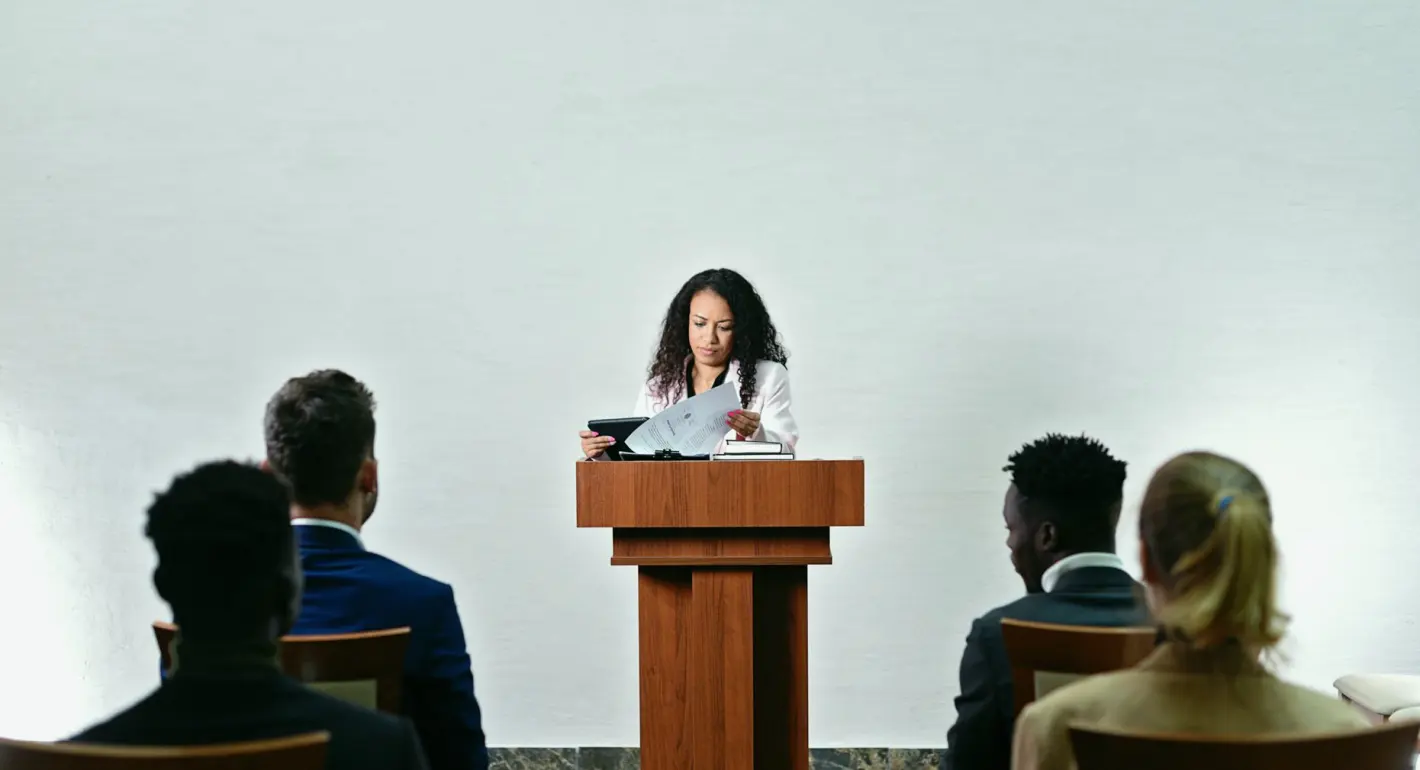
Speaker identification is the part of captioning where a viewer learns who is talking. In the module, learners take recorded panel discussions and event sessions and decide how each voice should be labelled, when a label is needed and when it only adds clutter. A single interviewer and guest need very little. A table of five people with a moderator needs a clear system.
I teach this alongside Elena Brooks, who leads the sessions on event recordings with many voices. My own part is the link to timing: a label that appears too late or sits on the wrong line confuses the reader as much as a wrong word does. We start with short clips and build toward full panels.
By the end, you should be able to open an unfamiliar recording, list its speakers, choose a labelling style and apply it steadily from the first caption to the last.
- Labelling speakers in interviews and panels
- Applying one consistent style across a whole file
- Linking labels to caption timing
Learning who is who before you type
The first activity happens before any captioning. Learners watch the opening minutes of a recording, note the names given in introductions, and build a short speaker list. Where names are never spoken, they use roles such as Moderator or Audience Member, which is often the honest choice.
This habit prevents the most common slip, which is changing a label halfway through because a name surfaced late in the session. Fixing that across several hundred captions is slow work, and it is easier to settle the list first.
We also look at how to ask for help. A short note to the client requesting a programme sheet or a list of panelists saves far more time than guessing from audio, and the course shows how to word that request politely and precisely.
- Build the speaker list during the first viewing
- Use roles when names are never spoken
- Ask the client for a panelist list when possible
Overlapping voices and interruptions
Panels rarely run in neat turns. People interrupt, agree out loud, finish each other's sentences and laugh together. The module spends real time on these moments, because they are where captions most often become unreadable.
Learners practise several approaches. Sometimes the main speaker's line is kept and the short interjection is dropped, since it carries no meaning. Sometimes two lines are shown together with a dash for each speaker. Sometimes a brief sound note is the better answer, such as laughter from the room.
There is no single correct choice. What matters is that the decision serves the viewer and stays consistent. We compare different solutions to the same clip and discuss which one reads most easily at normal speed.
- Drop interjections that carry no meaning
- Use dashes when two voices share a caption
- Keep the same rule throughout the file
Choosing a label style
Styles vary. Some clients want names in capitals followed by a colon. Others prefer a name in brackets, or a simple change of line with a dash. The course introduces the common options and shows how each looks on screen, including how much space it takes in a two-line caption.
Learners also see what happens when a label pushes text past a comfortable reading length. A long name plus a long sentence can force a split that breaks the thought. Shortening a name after its first full use is one remedy, provided the client agrees.
This ties into the guide we give for supplying recordings, where preferred styling is one of the items worth stating up front. A sentence from the client about label style removes a whole round of revisions.
- Capitals with a colon
- Bracketed names
- Dash on a new line
Practising on event recordings
The sample recordings come from the kind of material working video and events staff actually handle: a moderated discussion, a talk with questions from the floor, and a roundtable with uneven microphones. Each has its own difficulty. Questions from the floor are often faint and unlabelled, which raises the question of how to mark them.
Learners work at their own pace between sessions, then bring their files to review. We read captions aloud, watch with the sound off, and ask whether a stranger could follow who said what. That last test is more useful than any rule.
Expect to revise. The first pass at a long panel almost always shows gaps, and learning to spot them is part of the skill.
- Moderated discussion
- Talk with audience questions
- Roundtable with uneven audio
Where this fits in the full course
Speaker identification sits after transcription and works best alongside timing and sound descriptions. Prior transcription practice helps, since labelling assumes you can already follow the speech accurately. No specialist equipment is needed beyond headphones and a computer.
The realistic outcome is practical confidence: you can prepare labels for a panel recording, explain your choices to a client and check your own work. It is not a promise of any particular job, only a skill you can apply to your own recorded material.
If you are unsure whether you are ready, get in touch and describe the kind of recordings you handle. We can say which modules to start with.